

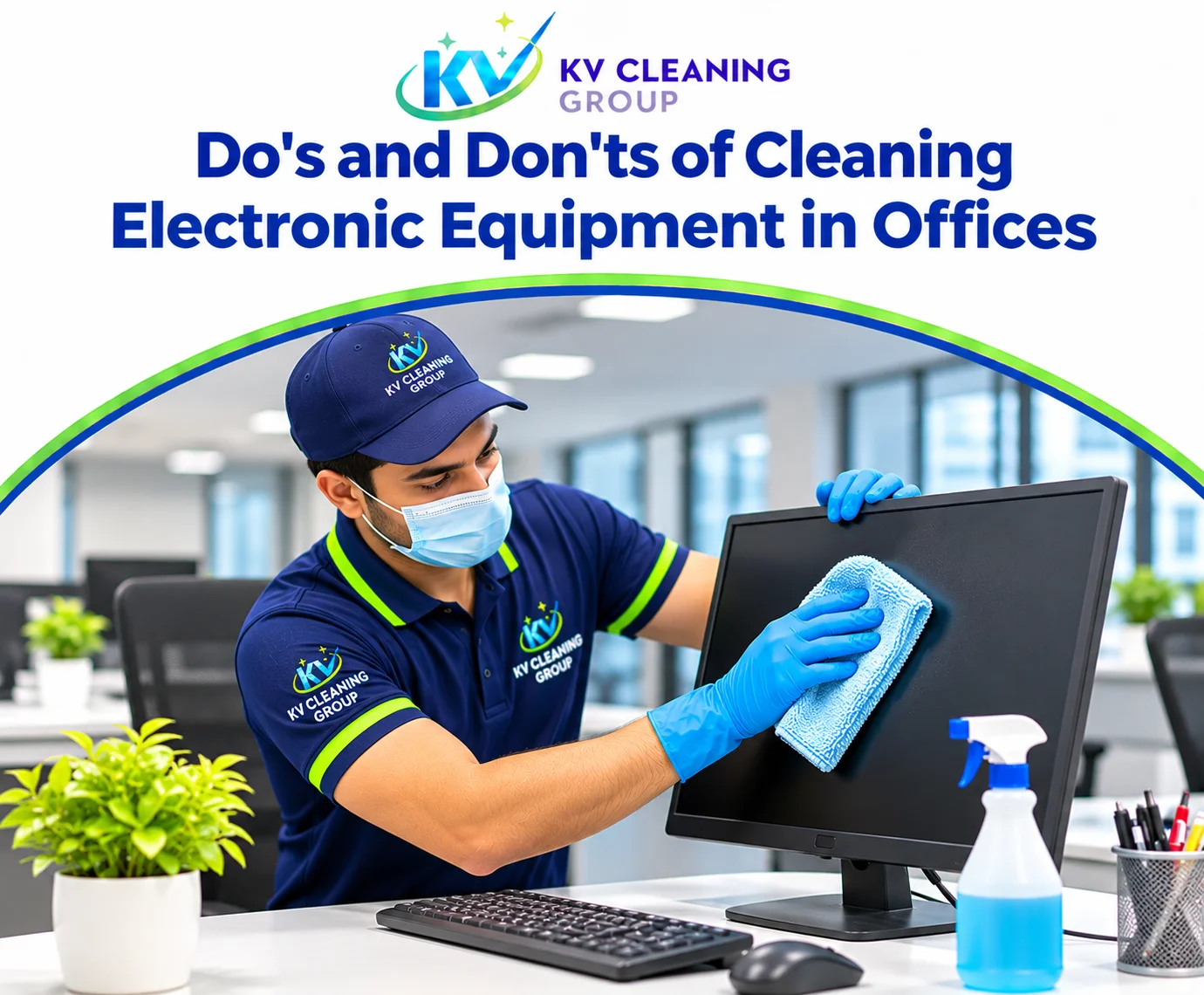
Do's and Don'ts of Cleaning Electronic Equipment in Offices
Analyse or Listen to This Article
Open this article in your preferred AI assistant, or listen with the built-in voice player.
Analyse with AI
Listen to Article
Player Settings
Office electronics collect dust, fingerprints, crumbs and germs, yet they are among the most delicate items in the workplace. A careless spray can ruin a monitor, a damp cloth can damage a keyboard and a blocked vent can shorten the life of a printer. These do's and don'ts explain how to clean common devices safely.
Why Electronics Need Careful Handling
Electronic equipment contains sensitive components, fine vents and surfaces that react to solvents. Cleaning is mostly about controlling moisture and static. Liquids conduct electricity, dust insulates and traps heat, and the wrong chemical can cloud screens or degrade plastics.
The Do's
- Power off and unplug where practical. Cleaning a device that is off reduces the risk of short circuits and accidental input.
- Use a dry or barely damp microfibre cloth. Apply product to the cloth, never directly to the device.
- Dust vents and grilles regularly. Clean vents prevent overheating and extend equipment life.
- Use screen-safe cleaners. Follow the manufacturer's guidance for the display type.
- Clean keyboards with a soft brush or air. Dislodge crumbs before wiping the keys.
- Take anti-static precautions. Avoid synthetic cloths that generate static around sensitive components.
- Clean shared devices often. Shared printers, copiers and touchscreens are high-touch points.
- Document a routine. A simple schedule keeps devices consistently clean.
The Don'ts
- Don't spray liquid directly onto any device. Overspray enters seams, ports and vents.
- Don't use a wet cloth on keyboards or ports. Moisture causes corrosion and short circuits.
- Don't use abrasive pads or paper towels on screens. They scratch anti-glare coatings.
- Don't assume alcohol is safe for every screen. Some coatings are damaged by solvents. Check the manufacturer guidance.
- Don't use a household vacuum at full suction on delicate components. Static and suction can damage parts.
- Don't block or skip vents. Dust build-up leads to overheating and failures.
- Don't clean inside servers or network cabinets without training. Those areas need specialist handling.
- Don't ignore cables and power boards. Dust and clutter around power points are a fire risk.
A Safe Cleaning Sequence
Shut down the device where possible. Dust the exterior with a microfibre cloth or soft brush. Clean screens with a suitable product applied to the cloth. Wipe keyboards and mice, paying attention to shared equipment. Clean vents and surrounding surfaces, then tidy cables. Allow everything to dry before powering on.
Shared Devices and Hot Desks
Touchscreens, printers, copiers and conference room controls are touched by many people each day. They deserve the same attention as door handles. Use compatible disinfectant wipes and allow the surface to dry fully. Avoid soaking the device or letting liquid run into seams.
Specialist Areas
Server rooms, data cabinets and communications equipment need controlled cleaning to manage dust and static. Commercial Cleaning Sydney teams can include these areas in a planned program. Pair electronics care with office cleaning and commercial cleaning for consistent results. Use the inspection checklist to record device condition, and get a quote for a full workplace cleaning plan.
Conclusion
Electronics cleaning is about control: minimal moisture, correct products and attention to vents. A cautious routine protects expensive equipment and keeps shared devices hygienic.
Electronics and surrounding surfaces can be cleaned together by Office Cleaning Sydney, Commercial Cleaning Sydney and Bathroom Cleaning Sydney.
Get Free Quote
Recent Posts

Frequently Asked Questions
Not always. Some screen coatings are damaged by alcohol. Check the manufacturer guidance and use a screen-safe product.
Disconnect it if possible, shake out loose debris, use a soft brush or air, then wipe the keys with a barely damp microfibre cloth.
Shared devices should be cleaned daily or weekly, while personal devices benefit from a regular wipe-down and periodic detailed clean.
Only with appropriate attachments and low suction. Standard vacuums can generate static that damages sensitive components.
Trained specialists. These areas require controlled dust management, static precautions and careful access to avoid downtime.