
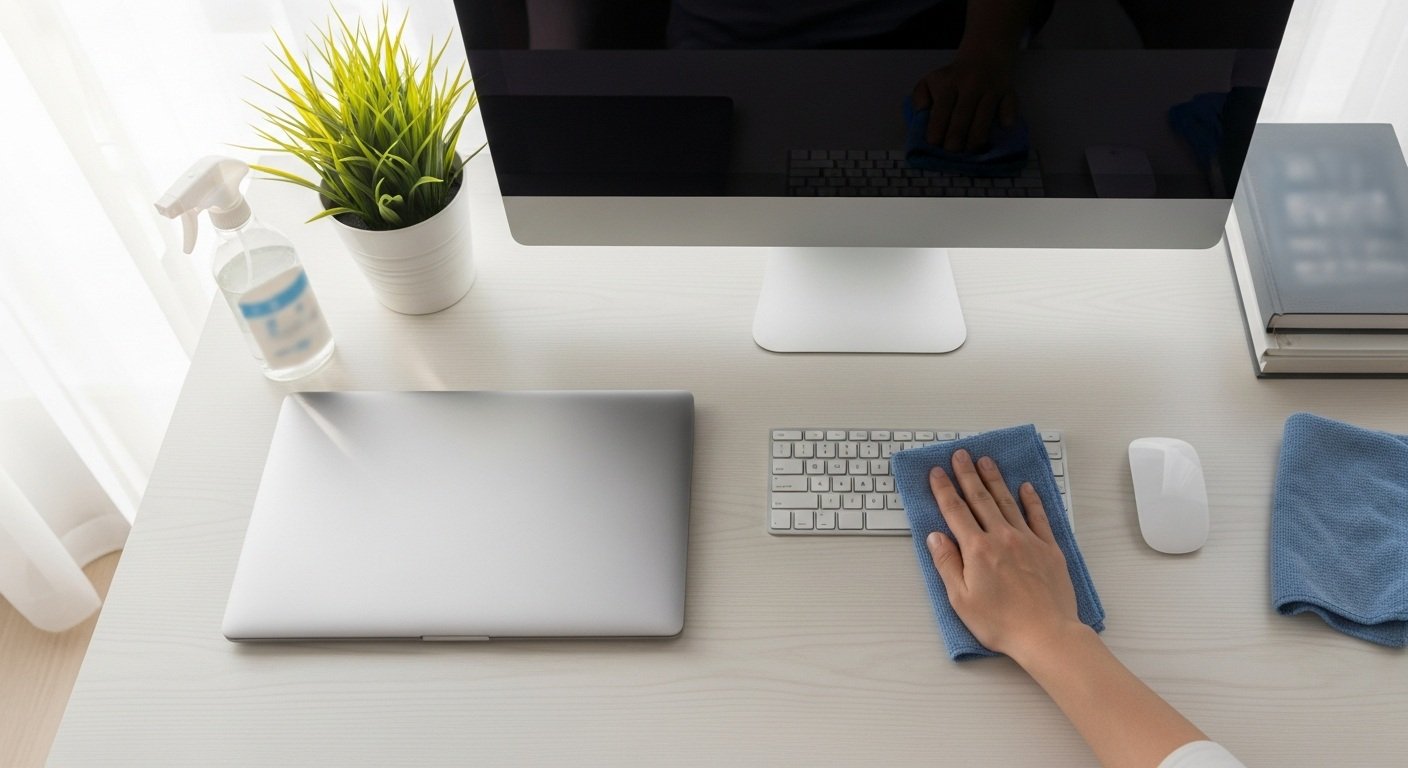
The Ultimate Guide to Desktop Cleaning: Keep Your Workspace Dust-Free
- Introduction: Why a Clean Desktop Matters
Your desktop is more than a workspace — it’s where creativity, focus, and productivity begin.
But it’s also one of the most neglected hygiene zones in offices and homes.
Every day, your desk collects dust, fingerprints, food crumbs, and bacteria — all of which can impact not only your equipment but also your health.
At KV Cleaning Sydney, we believe that cleanliness is the foundation of efficiency.
A tidy, dust-free desk enhances concentration, prevents allergies, and projects a professional image — whether at home or in the corporate world.
- The Hidden Problems of a Dusty Workspace
You may not notice it daily, but dust and grime accumulate quickly on desktops, monitors, and accessories. Over time, this buildup can cause:
Allergies and Respiratory Irritation: Dust mites and allergens can trigger sneezing and fatigue.
Device Damage: Dust clogs vents and fans, reducing your computer’s performance.
Visual Clutter: A messy workspace reduces focus and productivity.
Unhygienic Surfaces: Bacteria and oils from hands build up, especially near keyboards and phones.
Clean spaces are proven to boost mental clarity and reduce stress, making regular desktop cleaning an essential hygiene habit.
- Step-by-Step Guide to Keeping Your Desktop Clean
Follow KV Cleaning Sydney’s ultimate 6-step routine to maintain a spotless, dust-free workspace:
Step 1: Declutter the Surface
Remove all items — monitors, stationery, documents, and cables.
Decluttering helps you clean thoroughly and gives your workspace a fresh start.
Step 2: Dust from Top to Bottom
Use a microfiber cloth or electrostatic duster to wipe shelves, monitor stands, and desktop surfaces.
Start from higher surfaces and move downward to prevent dust from resettling.
Step 3: Disinfect Frequently Touched Areas
Spray a gentle disinfectant on a microfiber cloth and clean:
- Keyboard and mouse
- Desk phone
- Drawer handles
- Desk edges and chair arms
Avoid spraying directly on electronics.
Step 4: Clean Monitors and Screens
Use screen-safe wipes or a soft, lint-free cloth dampened with water or screen cleaner.
Never use alcohol or glass cleaner directly — it can damage coatings.
Step 5: Vacuum or Wipe Below the Desk
Dust and debris collect under tables and near cable hubs.
Use a small hand vacuum or dry cloth to clean those hidden spots.
Step 6: Organize and Maintain
Once the surface is spotless, reorganize items neatly.
Use cable clips, desk trays, and file holders to keep things tidy.
Pro Tip: Keep disinfectant wipes and a mini duster nearby for quick mid-week touch-ups.
- How Often Should You Clean Your Desktop?
Workspace Type | Recommended Cleaning Frequency | Notes |
Home Office | Weekly | Prevents dust buildup and improves focus |
Corporate Office | 2–3 times weekly | Shared environments require regular disinfection |
Open-Plan Offices | Daily light cleaning | Reduces allergen spread and improves hygiene |
Industrial or Dusty Zones | Every 1–2 days | Necessary to protect electronic devices |
KV Cleaning Sydney recommends integrating desktop cleaning into your overall office hygiene schedule for a consistently fresh environment.
- Hygiene Benefits of a Dust-Free Workspace
Maintaining a clean and dust-free desktop has powerful health and productivity benefits:
Improves Air Quality: Reduces dust particles that circulate indoors.
Prevents Germ Spread: Regular disinfection limits bacteria transfer.
Protects Equipment: Keeps fans, vents, and monitors dust-free.
Boosts Focus and Productivity: Clean environments enhance concentration and motivation.
Promotes Professionalism: A spotless desk leaves a positive impression on clients and colleagues.
At KV Cleaning Sydney, we help businesses maintain cleaner workstations that reflect their professionalism and care for employee wellbeing.
- Professional Desktop & Office Cleaning by KV Cleaning Sydney
For offices across Sydney, maintaining hygiene consistency can be challenging.
That’s where KV Cleaning Sydney comes in.
Our professional office cleaning services include:
✅ Desktop and workstation sanitization
✅ Keyboard, phone, and monitor cleaning
✅ Dust control for electronics and cables
✅ Eco-friendly cleaning products and methods
✅ Flexible scheduling — daily, weekly, or monthly maintenance
We combine technology, safety, and hygiene expertise to create cleaner, healthier office spaces — every day.
- Eco-Friendly Cleaning Solutions You Can Trust
At KV Cleaning Sydney, sustainability is part of our process.
We use biodegradable, non-toxic products that effectively remove dirt and bacteria without harming your surfaces or the environment.
Our methods meet Safe Work NSW and EPA standards, ensuring a clean workspace that’s also kind to nature.
- Final Takeaway
A clean, dust-free desktop isn’t just about looks — it’s about performance, health, and workplace pride.
With the right cleaning routine and professional support from KV Cleaning Sydney, your workspace can stay spotless, organized, and hygienic all year round.
KV Cleaning Sydney — Elevating Hygiene and Productivity, One Desk at a Time.
Visit our website to explore custom cleaning services designed for offices, workstations, and commercial spaces across Sydney.

